
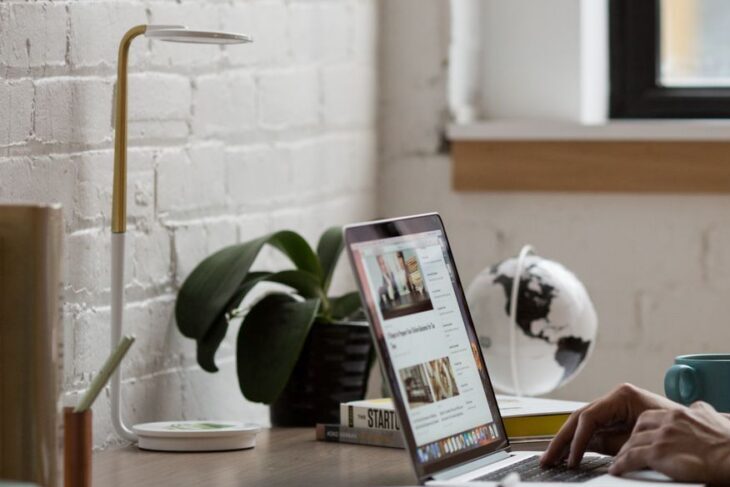
Modern business owners are constantly on the move, and you can’t always be tied to your office desk. Whether you’re meeting with clients across Williamsport, attending a conference in Philadelphia, or simply working from your favorite local coffee shop, you need the ability to manage your website from anywhere. The good news? WordPress makes it incredibly easy to update and maintain your site remotely using just your phone, laptop, or tablet.
Access Your Dashboard from Any Device
The foundation of remote WordPress management is simple. All you need is an internet connection and your login credentials. From any web browser, navigate to your website’s admin URL (typically yourwebsite.com/wp-admin) and log in. WordPress’s responsive dashboard adapts beautifully to different screen sizes, making it functional whether you’re on a smartphone or laptop.
For enhanced security when managing your site remotely, especially on public WiFi networks, consider using a VPN (Virtual Private Network). This extra layer of protection encrypts your internet connection and ensures your login credentials and site data remain secure, even when you’re working from Wilkes-Barre/Scranton International Airport or a local café.
Leverage the WordPress Mobile App
WordPress offers a powerful mobile app for both iOS and Android devices that brings core functionality right to your fingertips. The app allows you to publish and edit posts, upload photos, respond to comments, and review site statistics, all from your phone. It’s perfect for those moments when inspiration strikes during a walk along the Susquehanna Riverwalk or when you need to make a quick update between meetings.
The app’s push notifications keep you informed about new comments, site activity, and important updates, ensuring you never miss critical engagement opportunities with your audience.
Schedule Content in Advance
One of WordPress’s most valuable features for remote management is content scheduling. Before heading out for that week-long business trip, you can write and schedule multiple blog posts to publish automatically. This keeps your content calendar consistent and your audience engaged, even when you’re focused on other priorities.
Use Cloud Storage for Media Management
Managing images and media files remotely becomes seamless when you integrate cloud storage solutions like Google Drive or Dropbox with your WordPress site. Upload photos from your phone to the cloud, then easily access them through your WordPress media library from any device. This workflow is particularly useful for sharing team-created content or when multiple people need access to your site’s assets.
Enable Two-Factor Authentication
Security should never be compromised for convenience. Implement two-factor authentication (2FA) on your WordPress site to add an extra security layer when logging in remotely. This ensures that even if someone obtains your password, they still can’t access your site without the secondary verification code.
Stay Connected, Stay Productive
At Positive Medium, we understand that modern business owners need flexibility without sacrificing functionality. WordPress’s robust remote management capabilities mean your website never has to be neglected, no matter where your work takes you. With these tools and practices in place, you can confidently manage your digital presence from anywhere, keeping your business connected to customers around the clock.




 We proudly support the LGBTQ+ community